
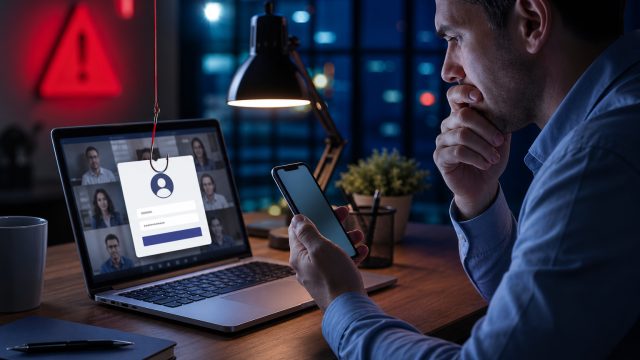
In a disturbing development for businesses and employees alike, a newly identified phishing campaign is taking advantage of the trusted environment of Microsoft Teams to compromise user security. This sophisticated threat has emerged at a time when remote work tools are essential for daily operations, making the stakes higher than ever.
Understanding the Threat: How It Works
The phishing campaign utilizes deceptively authentic-looking notifications that mimic Microsoft Teams alerts. These notifications are designed to entice users into downloading a malicious remote access tool (RAT). Once downloaded, hackers can gain full control over the compromised systems, posing significant risks to sensitive company data.
Recognizing the Deceptive Notifications
- Visual Authenticity: The notifications are crafted to look like genuine Teams alerts, complete with official logos and formats.
- Urgency Tactics: Messages often convey a sense of urgency, prompting immediate action from users.
- Call to Action: Users are typically directed to click on a link that leads to the malicious download.
Impact on Organizations and Employees
With the rise of remote work, many employees are more reliant on collaboration tools like Microsoft Teams. Unfortunately, this trust can be exploited by cybercriminals. The consequences of falling victim to this scam can be severe, ranging from data breaches to compromised corporate networks.
Potential Risks
- Data Breach: Sensitive information can be accessed and exfiltrated.
- Financial Loss: Organizations may incur costs related to remediation and recovery.
- Reputational Damage: Trust in the organization can be severely impacted.
How to Protect Yourself and Your Organization
As phishing tactics continue to evolve, it is crucial for organizations to take a proactive approach to cybersecurity. Here are some strategies to mitigate the risks:
Implement Strong Security Measures
- Employee Training: Regularly educate employees about recognizing phishing attempts and suspicious notifications.
- Multi-Factor Authentication (MFA): Enable MFA for accessing all crucial applications, including Microsoft Teams.
- Email Filtering: Utilize advanced email filtering to detect and block phishing attempts before they reach users.
Monitor and Respond
- Incident Response Plan: Have a structured plan in place for responding to security incidents swiftly.
- Regular Security Audits: Conduct security audits and vulnerability assessments regularly to identify potential weaknesses.
Conclusion: Stay Vigilant in a Digital Age
The ongoing phishing campaign exploiting Microsoft Teams is a stark reminder of the evolving landscape of cybersecurity threats. As employees increasingly depend on digital communication tools, maintaining awareness and implementing robust security protocols is more critical than ever. By understanding the tactics used by cybercriminals and taking preventive measures, organizations can safeguard their teams and data against unauthorized access.